Your thoughts deserve privacy.
Voice notes, photo notes, book quotes, meeting transcripts. All captured with a tap. All transcribed and searchable. All processed on your phone — never on a server.
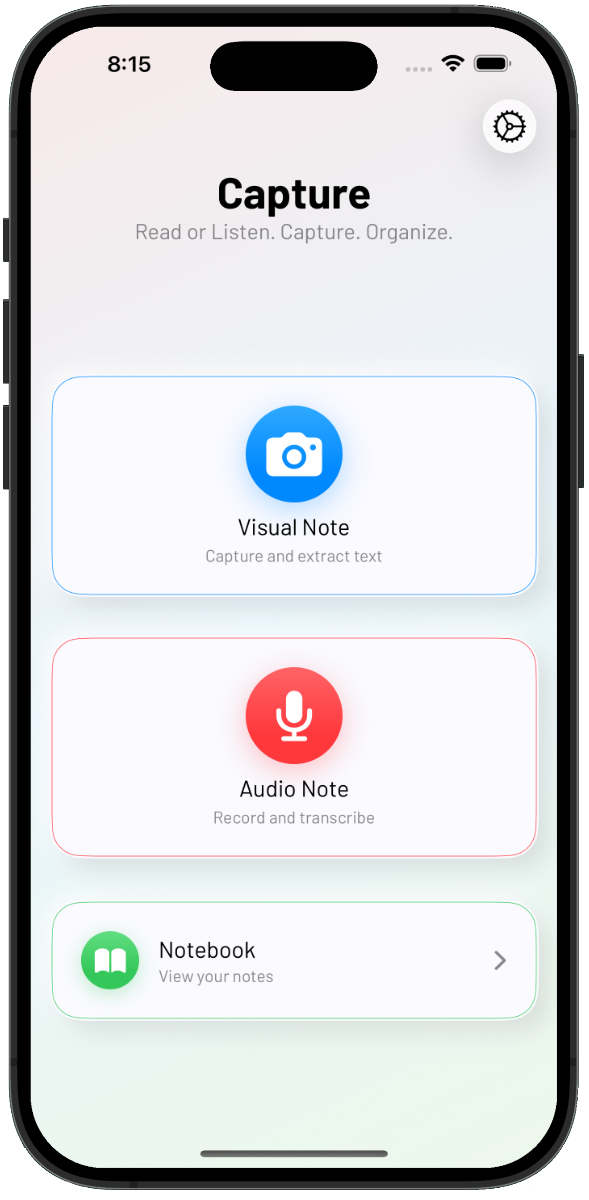
See Capture in action.
One inbox for voice, photo, and text — three surfaces that stay out of your way.
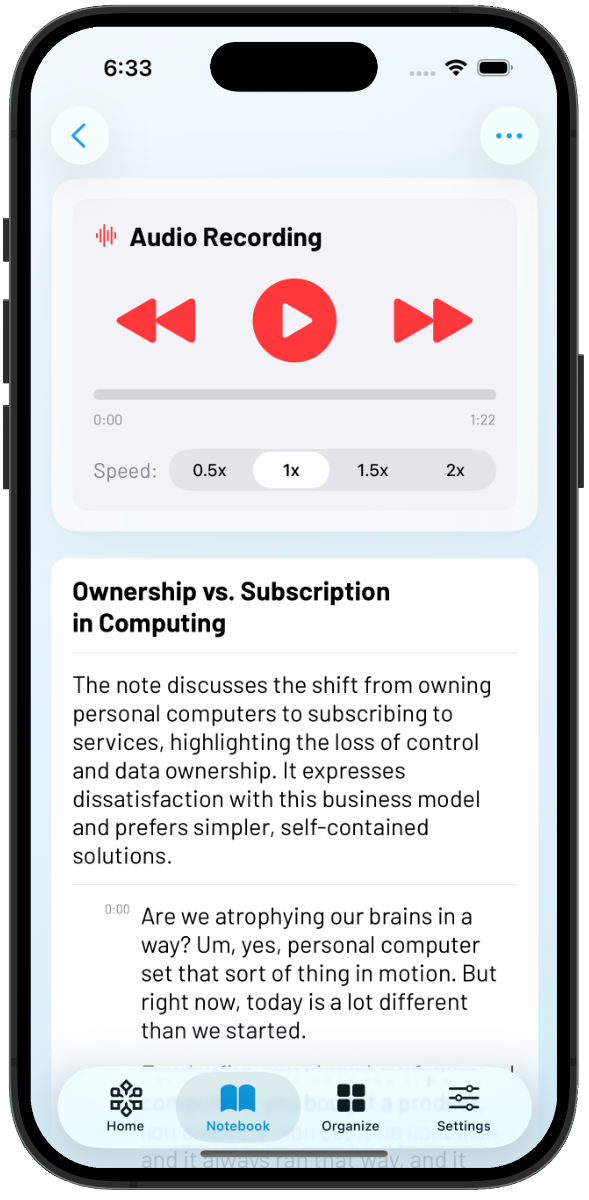
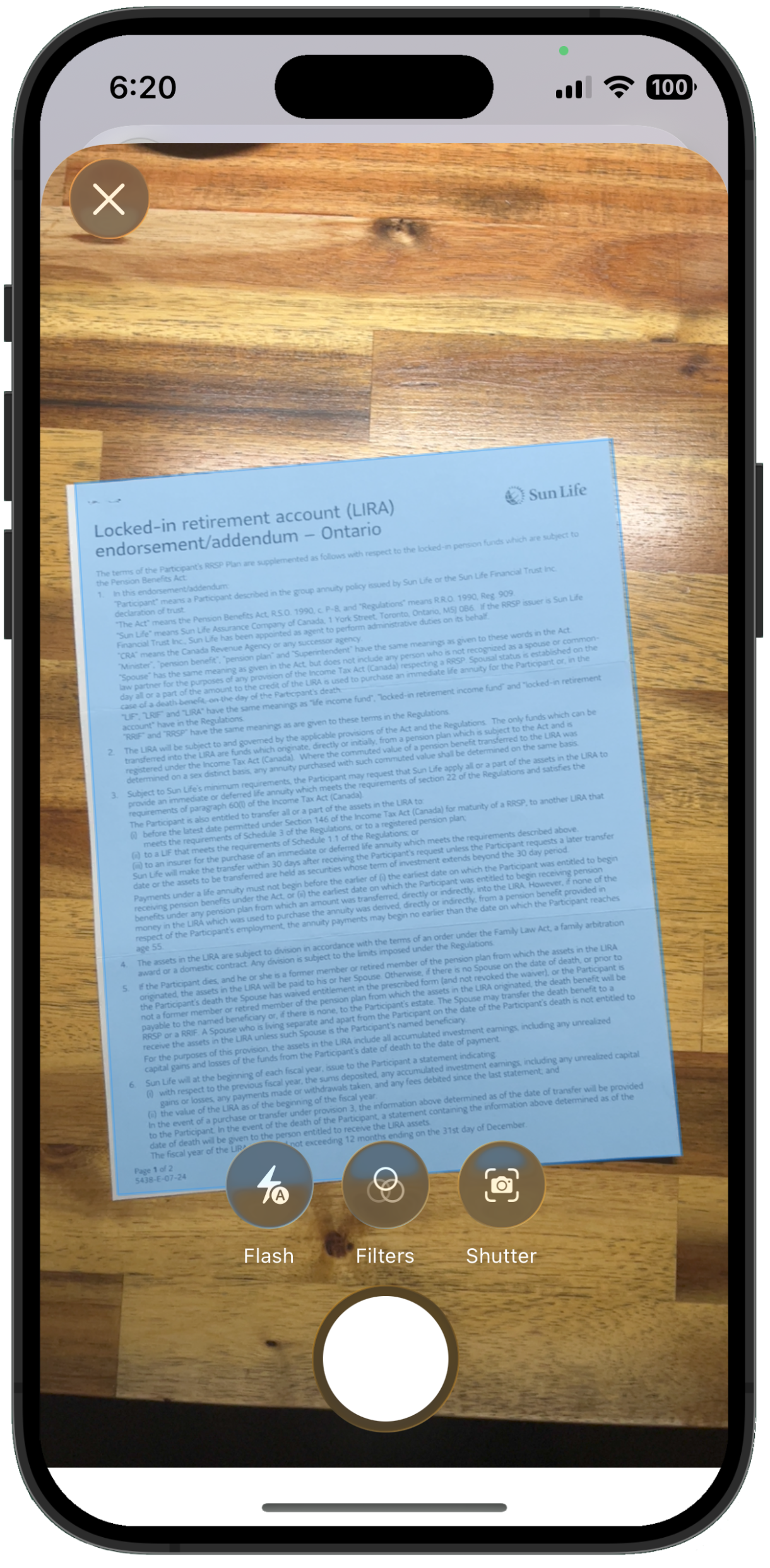
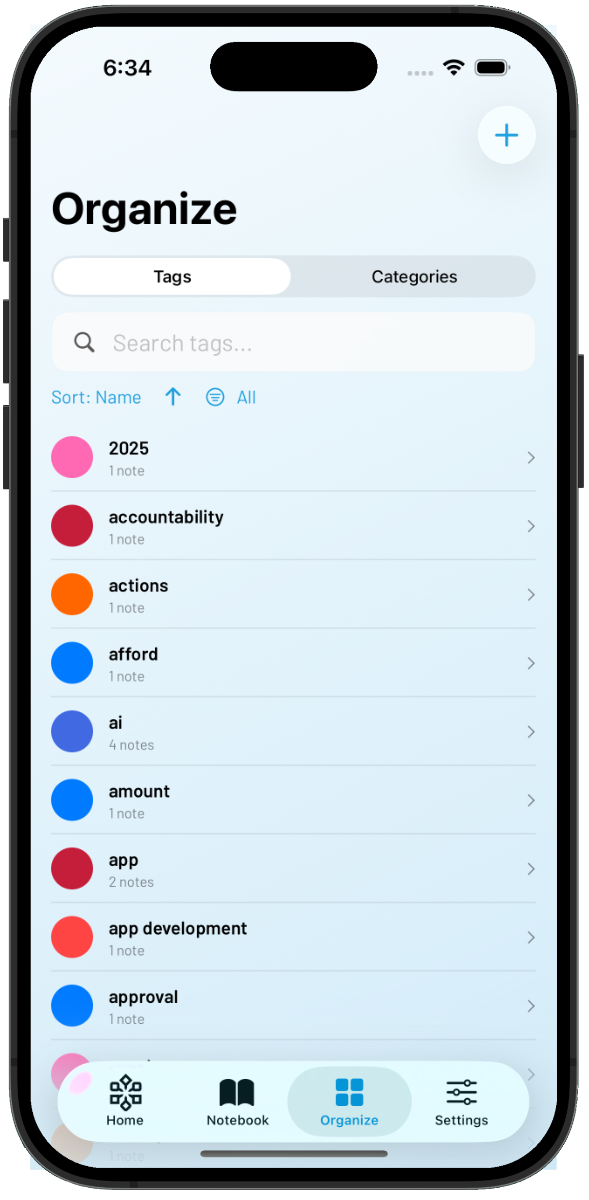
A capture inbox that never goes online.
Voice notes, transcribed
Speak in a hurry, walk and talk, or capture a meeting. Apple Intelligence turns audio into searchable text on-device.
OCR from any photo
Book pages, whiteboards, receipts, business cards. Point the camera; the text drops into your notebook.
100% on-device
OCR and transcription run on the Neural Engine. Your audio never leaves your phone. Airplane mode is fine.
AI suggestions, locally
Capture surfaces titles, tags, and summaries using Apple Foundation Models. Same privacy story.
Tags, search, structure
A capture inbox that does not become a swamp. Tags, full-text search, and notebooks keep things findable.
Export to your brain
Markdown to Obsidian, plain text, PDF — your second brain stays portable.
For every kind of thought worth keeping.
Shower thoughts, meeting notes, book quotes, doctor visits — same inbox, many shapes.
Shower thoughts
The idea that hits in the kitchen, the line you almost forget on the walk. A voice memo, transcribed, filed away before it evaporates.
Book quotes
Snap a passage. OCR keeps the words; the photo keeps the page.
Meeting notes
Record the meeting; Capture transcribes and summarizes after.
Research + reference
Build a personal knowledge base. Photo + voice + text, tagged, exported to Obsidian or your PKM tool of choice.
Travel + on-the-go
Itineraries, plaques, signposts, recommendations from strangers. All in one place.
Quick task capture
Voice-dump the to-dos, sort them later.
Reflections + journaling
Spoken journaling — Capture transcribes, you read it later. Lower friction than writing.
Doctor visits
Record the consult (with consent). Transcribe later; never miss the dosage instructions.
Receipts + records
Snap, tag, file. Searchable text without a folder of mystery photos.
Your audio never leaves your phone.
Capture is built so the most private things you say or photograph — the half-formed ideas, the medical questions, the rough drafts — stay private. Every recording, every photo, every transcript is processed entirely on your device. No audio is uploaded, anywhere, ever.
Transcription runs on Apple’s SpeechAnalyzer. OCR uses the Vision framework. AI suggestions — titles, tags, summaries — are generated by Apple Foundation Models on the Neural Engine. No external servers. No third-party APIs. No telemetry you did not opt into.
You have the option to enable iCloud to keep your notebooks backed up and synced across your devices, end-to-end encrypted inside your Apple ID. Your data travels with you — never to us, never to anyone else.
Export to Markdown, plain text, or PDF whenever you want. Capture is a tool, not a walled garden. Your second brain stays portable.
Frequently asked questions.
Need help?
Visit our comprehensive support center for FAQs, documentation, and contact information.
Visit Capture support